
What You'll Build
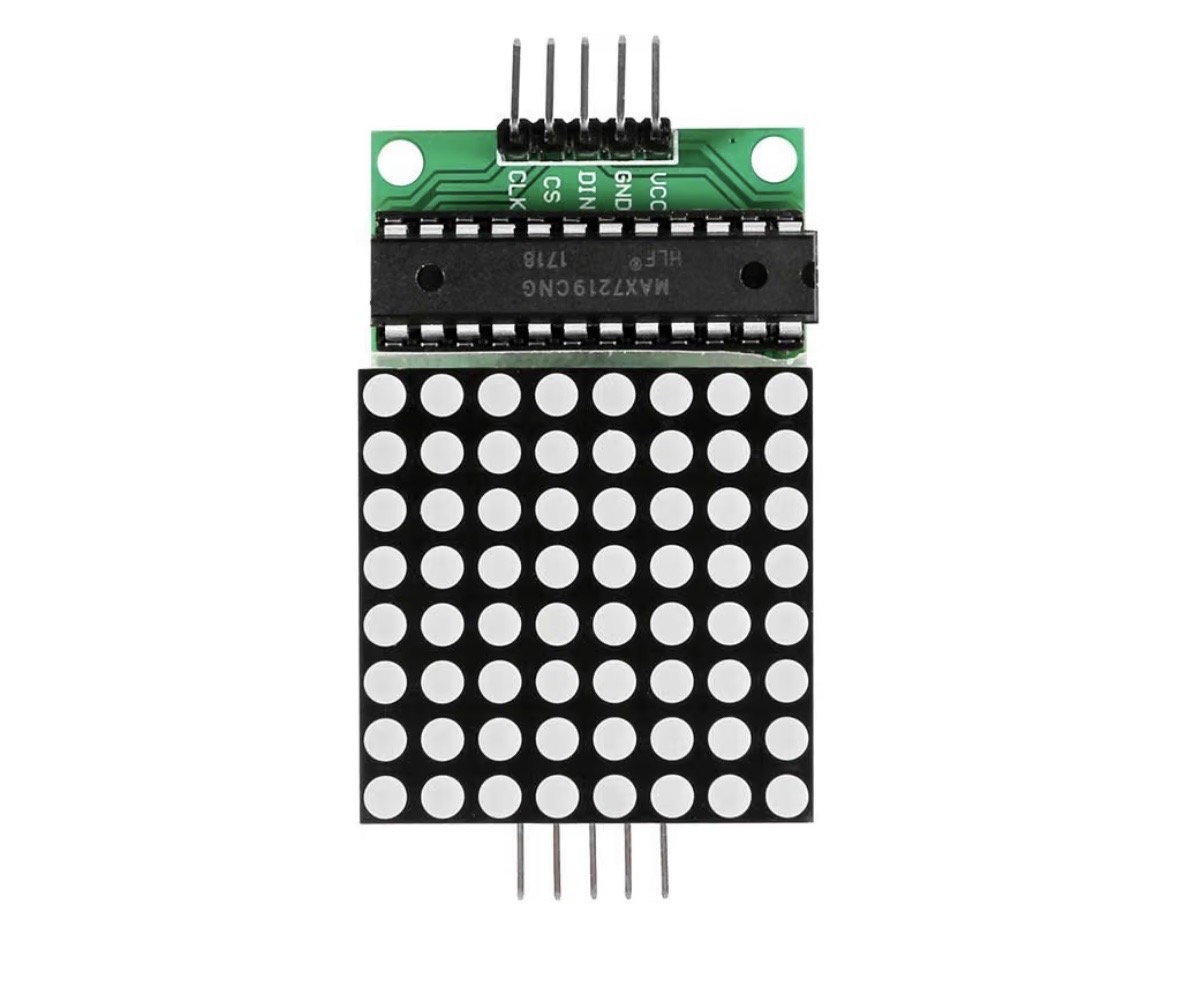
A Logic Builder event that launches DALE's Pac-Gobble animation on a MAX7219 8×8 LED matrix. This experiment connects logic, animation frames and standalone code generation.
What You'll Need
- DALE with ESP32-S3
- MAX7219 8×8 LED matrix
- Jumper wires
What You'll Learn
- How multiple frames create the illusion of motion.
- How DALE's Animation Studio and Logic Builder work together.
- How a Boolean event can trigger an animation.
- How animation data becomes standalone Arduino code.
Wire It
Configure the MAX7219 module in DALE and connect it using the pins assigned by your DALE setup.
Verify the module in the Matrix Lab before moving to Animation Studio.
Create the Animation
1. Open Animation Studio
Load the Pac-Gobble example.
2. Run it
Watch the frames on the real MAX7219 display. The image changes frame by frame quickly enough that your eye sees movement.
3. Use it in Logic Builder
Send the animation to Logic Builder using DALE's USE IN LOGIC BUILDER workflow.
Build It in Logic Builder
Add a Boolean event source such as a Virtual Button or physical Digital Input, then add the MAX7219 ANIMATION block containing Pac-Gobble. Connect the event to the animation trigger.
Trigger the event and watch Pac-Gobble run on the physical matrix.
What Just Happened?
Each frame is a pattern of LEDs. DALE advances through those patterns over time, producing apparent motion. Logic Builder determines when the animation should run; Animation Studio determines what the frames look like.
BUILD IT VISUALLY. SEE THE REAL CODE.
Show Me The Code
Generate the standalone sketch and find the animation frame data and the logic that advances the frames. This is a great example of DALE turning something visual and playful into ordinary Arduino code you can inspect and modify.