
What You'll Build
A proximity alarm that watches real distance. When an object comes closer than your chosen threshold, DALE activates a buzzer, an RGB warning, or both.
What You'll Need
- DALE with ESP32-S3
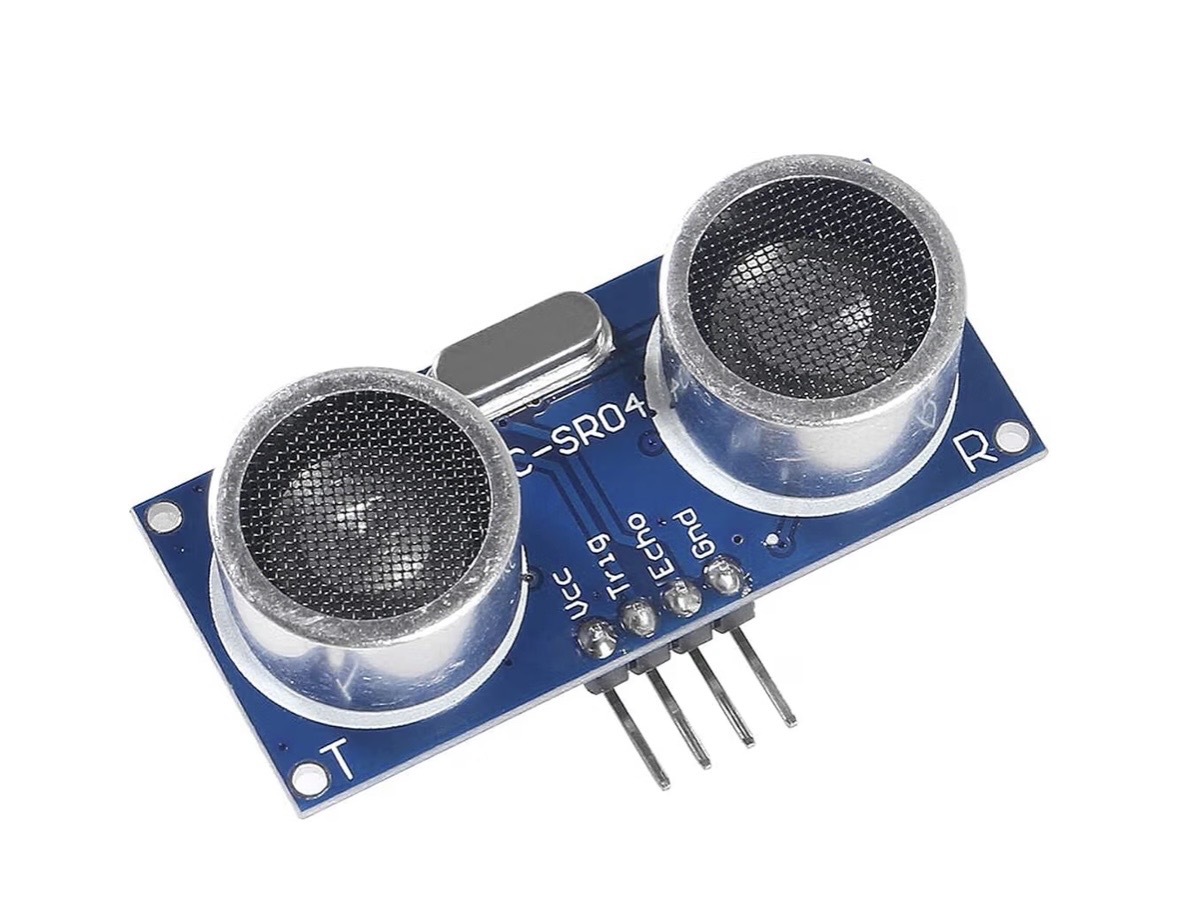
- HC-SR04 ultrasonic sensor
- Buzzer
- RGB LED (optional)
- Required interface wiring/components for your HC-SR04 setup
- Jumper wires
What You'll Learn
- How a sensor becomes useful numerical data.
- How a Compare block turns a Number into TRUE/FALSE.
- How a threshold creates a real-world decision.
- How one decision can drive multiple warning outputs.
Wire It
Configure the HC-SR04 module in DALE and use the Trigger/Echo GPIOs assigned to it. Wire the buzzer/RGB to their configured outputs.
Use the safe voltage/interface arrangement specified for your DALE HC-SR04 connection; ESP32-S3 GPIO logic is 3.3 V.
Try the Sensor First
Open DALE's Ultrasonic/Radar tools and move an object toward and away from the sensor. Confirm that the distance changes correctly before adding the alarm.
Build It in Logic Builder
Add the Ultrasonic block, a Number block containing your alarm distance, a Compare block, and a Buzzer or RGB output. Configure Compare so the alarm becomes TRUE when the measured distance is less than your threshold.
Example: Distance < 20 cm → alarm TRUE. Move an object through the threshold and watch the output change.
What Just Happened?
The ultrasonic module measures distance, but a measurement by itself does not make a decision. Compare gives that number meaning: Is the object close enough to matter? The Boolean result can then control any compatible DALE output.
BUILD IT VISUALLY. SEE THE REAL CODE.
Show Me The Code
Find the generated distance value, your threshold value, and the comparison between them. Then follow the Boolean result to the buzzer/RGB output. The visual blocks and the code should now tell the same story.